DevScribe | All-in-One Doc, Diagram, Code & API Testing Tool Introduction
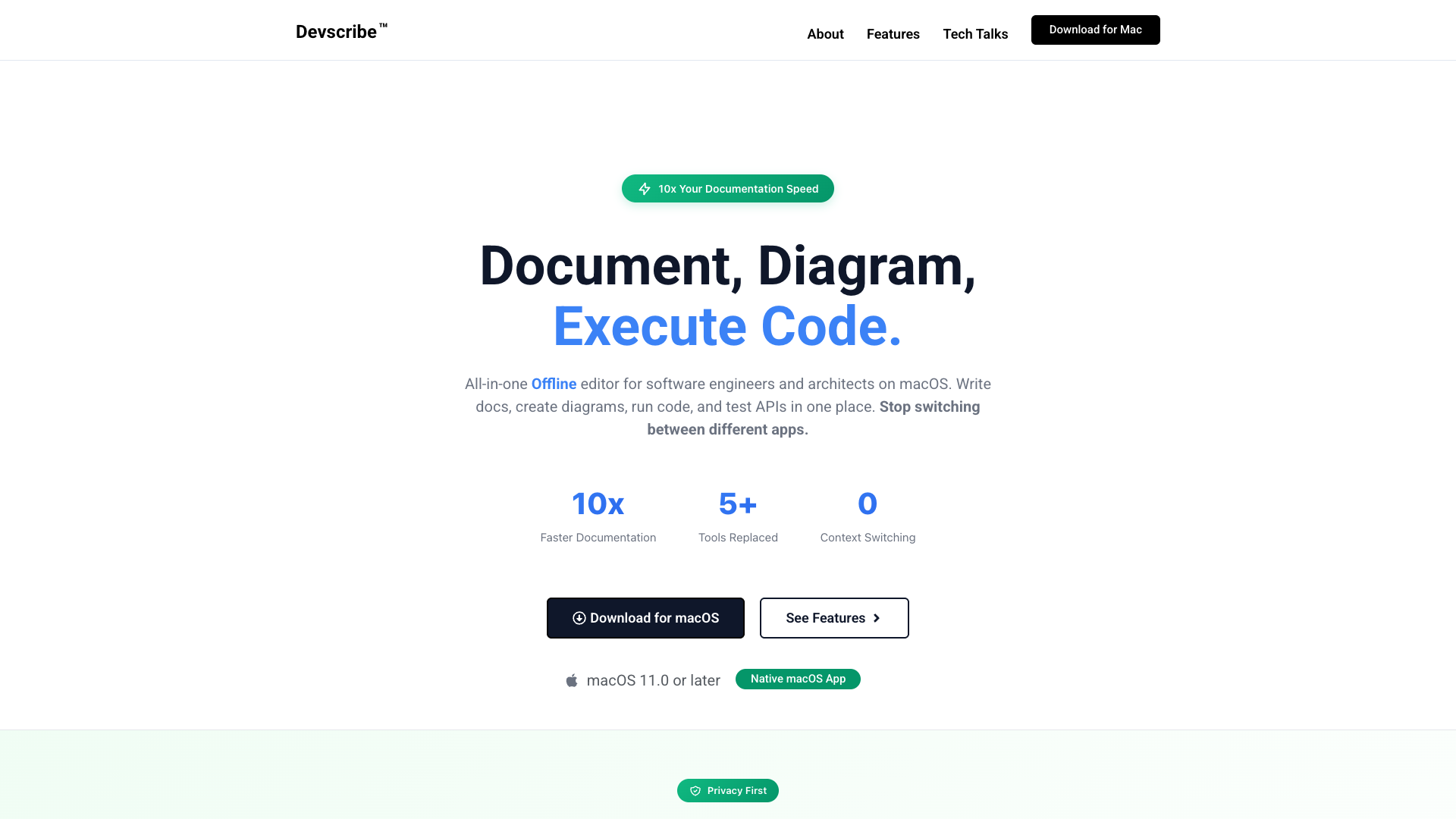
Welcome to DevScribe, the ultimate all-in-one workspace designed specifically for developers who value efficiency and productivity. Built by developers, for developers, DevScribe streamlines the process of documentation, code execution, and diagram creation. Say goodbye to the hassle of switching between multiple applications—DevScribe combines everything you need into a single, powerful tool that works seamlessly on macOS.
DevScribe Features
10x Faster Documentation
With DevScribe, you can increase your documentation speed by tenfold. Enjoy an all-in-one offline editor that allows you to document, create diagrams, run code, and test APIs all in one place.
Multi-Language Code Execution
Run and test code instantly within your document. Whether you''re using JavaScript, TypeScript, Java, shell commands, or SQL, DevScribe supports multiple programming languages, making it easy to combine and execute them effortlessly.
Diagramly — Visual Design Tool
Create professional-quality diagrams without leaving the app. From database ERD diagrams to UML class diagrams, DevScribe provides the tools to visualize your ideas and simplify complex structures.
API Documentation Tool
Document and test your APIs directly in DevScribe. Execute real requests and visualize responses without the need for external tools like Postman.
Complete Privacy & Local-Only Storage
DevScribe prioritizes your privacy. All your documents, code, and diagrams are stored locally on your Mac, ensuring your sensitive data remains secure and never leaves your device.
Offline Functionality
No internet connection? No problem! DevScribe works completely offline, allowing you to document and code in any environment—be it on a plane, in a coffee shop, or anywhere secure.
DevScribe Frequently Asked Questions
What platforms does DevScribe support?
DevScribe is exclusively available for macOS users, ensuring a native and optimized experience for Apple devices.
Is my data safe with DevScribe?
Absolutely! DevScribe employs a local-only storage system, meaning all your data remains on your Mac. There are no servers involved, ensuring complete privacy.
Can I use DevScribe without an internet connection?
Yes! DevScribe is designed to function fully offline, allowing you to document, code, and create diagrams without any internet access.
How can I download DevScribe?
You can download DevScribe for macOS directly from our website. It''s free forever with all features included.
Start documenting smarter with DevScribe today! Download now and experience the future of developer tools.