Fake iOS Messages Generator - Create Realistic iMessage Conversations Introduction
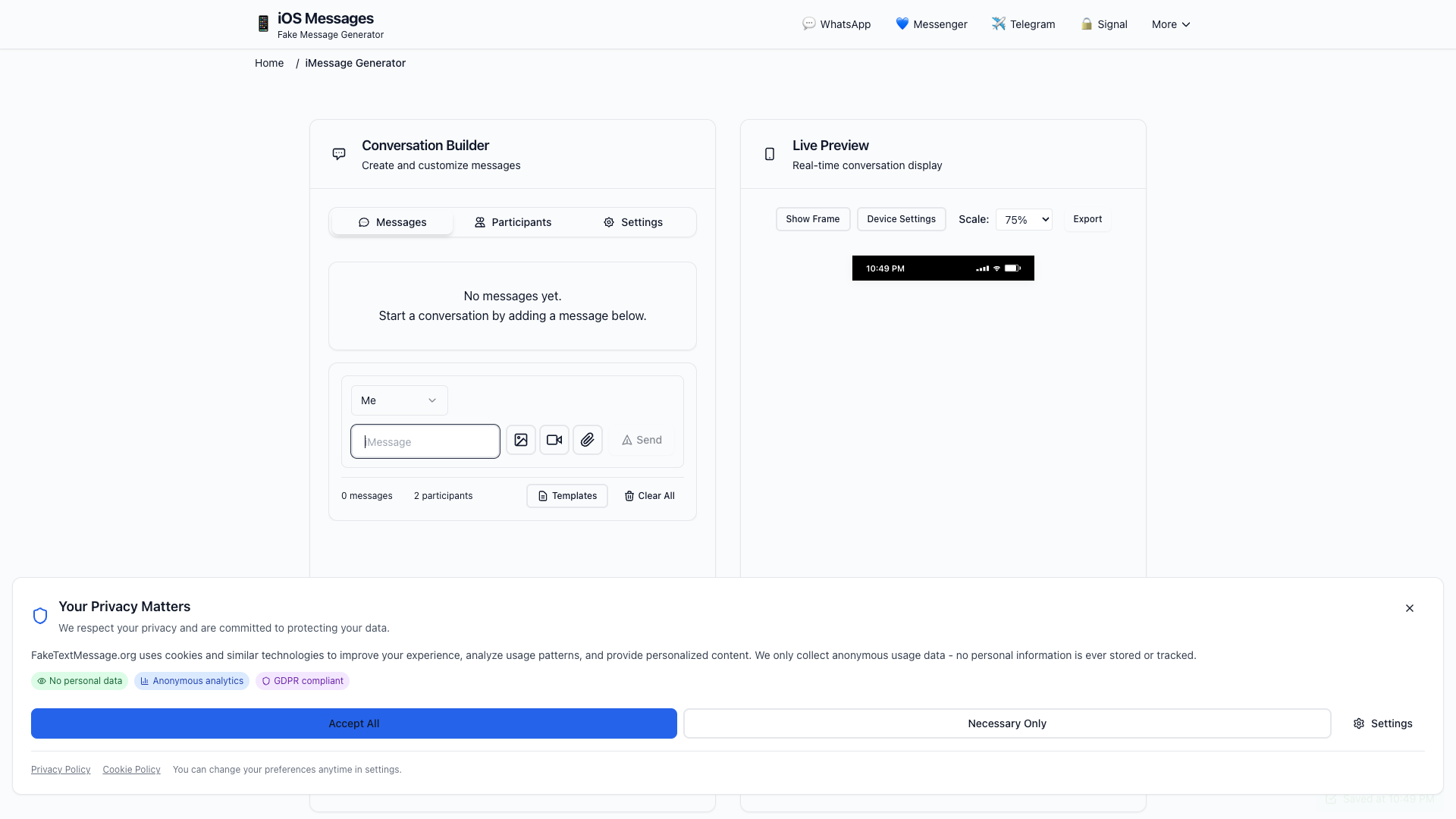
The Fake iOS Messages Generator is a free online tool that allows you to generate realistic fake iMessage conversations in just a few easy steps. Whether you are aiming to create stunning mockups for your social media content, educational demonstrations, or just for fun, our generator provides an efficient way to make authentic-looking iPhone text message screenshots.
Fake iOS Messages Generator Features
The Fake iOS Messages Generator is packed with key features designed to give you the ultimate experience in creating fake iMessage conversations:
iOS 17/18 Design
- Enjoy a pixel-perfect recreation of the latest iPhone messaging interface, complete with accurate fonts and spacing.
Read Receipts & Delivery
- Enhance authenticity by adding "Read", "Delivered", and timestamp statuses to your messages.
Typing Indicators
- Show real-time typing bubbles with animations, mimicking real iMessage interactions.
Group Chats
- Create conversations with multiple participants, including custom names and profile pictures.
Message Reactions
- Add tapback reactions such as ❤️, 👍, 👎, 😂, and more to any message.
Media Support
- Include photos, videos, voice messages, and location sharing in your chats for added realism.
Dark Mode
- Switch easily between light and dark themes to match iOS settings.
Export Options
- Download your conversations as high-quality PNG or JPG files, or share them directly on social media.
Fake iOS Messages Generator Frequently Asked Questions
Here are some answers to common questions about the Fake iOS Messages Generator:
Is this fake iMessage generator free to use?
Yes, our iMessage generator is completely free, with no watermarks, sign-ups, or hidden fees. You can create unlimited fake conversations.
Can I create fake iMessage group chats?
Absolutely! Our generator supports group conversations with multiple participants, and you can customize names, profile pictures, and message bubble colors.
Does it look exactly like real iPhone messages?
Yes! We utilize exact iOS 17/18 design specifications, including authentic fonts, colors, spacing, and animations, ensuring a perfect replica.
Can I add images, emojis, and reactions to messages?
Of course! You can incorporate emojis, images, videos, GIFs, tapback reactions, and even message effects similar to the real iMessage experience.
Will people know it''s a fake iMessage conversation?
While our generator creates pixel-perfect replicas that are virtually indistinguishable from real screenshots, we encourage responsible and ethical use.
Can I edit the conversation after creating it?
Yes, you can modify, rearrange, or delete any message at any time before exporting. Your changes are instant and saved automatically.
Conclusion
The Fake iOS Messages Generator is perfect for content creators, marketers, and anyone looking to have some fun by generating realistic iMessage conversations. Whether you are creating social media content, app mockups, or educational demonstrations, our user-friendly tool is ready to help you craft the perfect fake conversation. Start creating today with no sign-up required and completely free access!