Merge JPG Files Online Free - Combine Multiple Images Fast Introduction
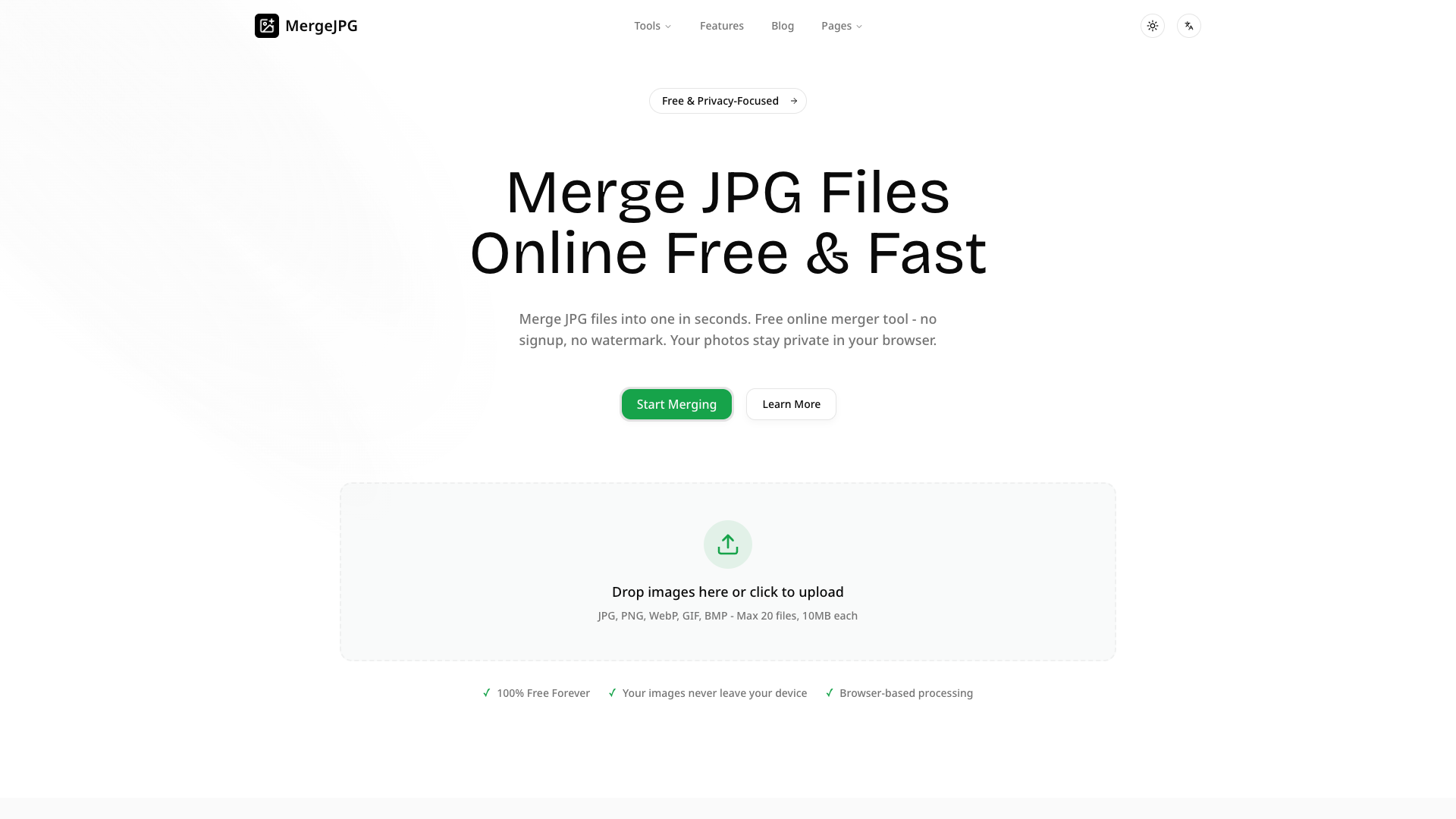
Welcome to Merge JPG Files Online Free, your go-to solution for merging multiple JPG images quickly and easily. Our free online JPG merger tool allows you to combine and merge your images vertically or horizontally without the need for signup or watermarks. Experience fast, secure, and browser-based processing while keeping your images private.
Merge JPG Files Online Free Features
Fast and Easy Merging
Merge JPG Files Online Free lets you merge your photos in just a few simple steps. Choose from multiple layouts—vertical, horizontal, or grid—and adjust the spacing between images. Merging has never been easier!
100% Free and Unlimited
Enjoy our service completely free of charge, with no limitations. You can merge as many JPG files as you need without paying a single cent or creating an account.
Privacy-Focused
Your images never leave your device. Unlike many online tools, our JPG merger processes everything locally within your browser, ensuring your privacy and security.
High-Quality Output
Merge JPG files without compromising quality. Control the compression level and quality output, all while ensuring a watermark-free merged image.
User-Friendly Interface
Our straightforward interface allows anyone, from beginners to professionals, to merge images effortlessly. Just upload your JPG files, select your preferred layout, and download your merged creation in seconds!
Merge JPG Files Online Free Frequently Asked Questions
Is it safe to use this JPG merger?
Yes, it is safe. Your images never leave your device, and all processing is done locally in your browser.
How do I merge multiple JPG files?
Simply upload 2 or more JPG files from your computer, select your desired layout, and click to merge. The process is quick and user-friendly.
Can I merge only 2 JPG images?
Absolutely! You can merge 2 or more images as needed.
Is this better than using Photoshop?
Many users find it faster and simpler than Photoshop for basic merging tasks, as it requires no downloads or complicated steps.
Will there be watermarks on my merged image?
No, there are no watermarks added to your merged images. Enjoy a clean output every time!
What file size limits are there?
You can upload up to 20 files, with each file being a maximum of 10MB.
Start merging your JPG files now with Merge JPG Files Online Free—the efficient, free, and secure way to combine your images!