PDF to Video – Free AI PDF to Video Converter | Vireto Introduction
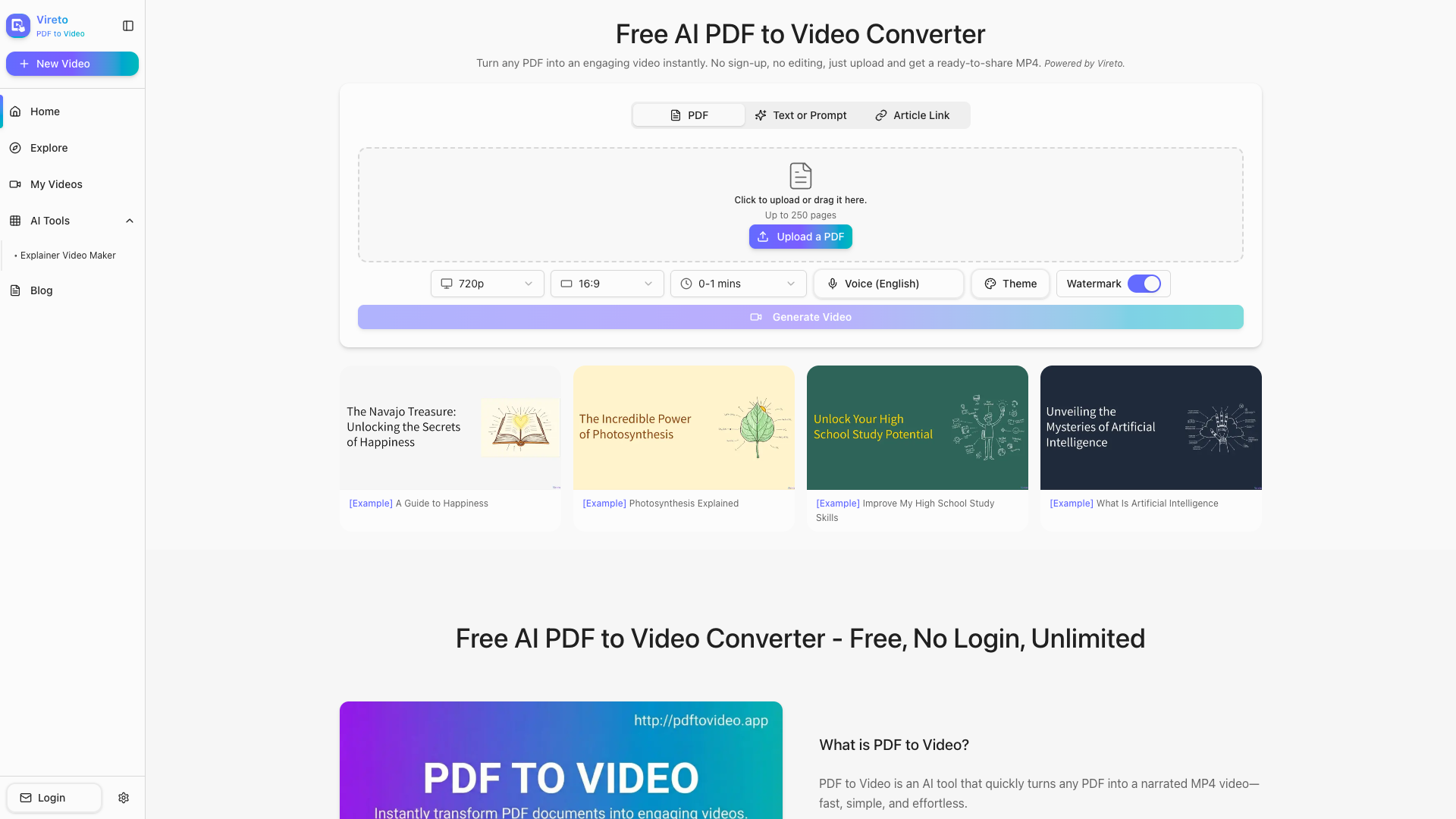
Welcome to Vireto''s PDF to Video Converter, your ultimate solution for turning PDF documents into engaging, high-quality MP4 videos. Utilizing advanced AI technology, our tool simplifies the process of converting any PDF into a narrated video, complete with audio, animations, and visuals. Perfect for educators, students, and content creators, Vireto allows you to transform your PDFs quickly and effortlessly — all without the need for sign-up or extensive editing.
PDF to Video – Free AI PDF to Video Converter | Vireto Features
Effortless Conversion
- No Sign-Up Required: Get started instantly without any account creation.
- Fast Processing: Upload your PDF and obtain a ready-to-share video in no time.
AI-Driven Technology
- Smart Analysis: Our AI reads your PDF and builds a clear video flow, organizing scenes efficiently.
- Auto Voiceover: Natural voice narration for each page is generated automatically, saving you time.
Customization Options
- Easy Adjustments: Customize voice, style, timing, and other aspects with just a click.
- High-Quality MP4 Download: Receive a polished video that is ready for various uses, including online sharing.
PDF to Video – Free AI PDF to Video Converter | Vireto Frequently Asked Questions
Is PDF to Video free to use?
Yes, our PDF to Video service is entirely free. You can access all core features such as PDF analysis, frame generation, and MP4 export without an account.
How does the process work?
Simply upload your PDF and watch as Vireto generates a series of frames based on your document''s text and images. After reviewing and customizing, you can create your video seamlessly.
Can I edit the frames before generating the video?
Absolutely! You have complete control to edit frames, change images, and adjust text to ensure the output meets your expectations.
Do I need to record my own voice for the video?
No recording is needed. Vireto offers high-quality AI voice options across various languages and tones for automatic narration.
Is this tool suitable for learning or teaching?
Definitely! It’s ideal for converting lesson materials or study notes into engaging videos, enhancing the learning experience for students.
How long can my video be?
There’s no specific limit on video length. Vireto adjusts the pacing and timing based on your document size, accommodating anything from brief handouts to extensive presentations.
Can I download the final video as MP4?
Yes, after previewing, you can easily download your video in high-quality MP4 format, compatible with all devices.
Will the exported video include a watermark?
No, your exported video will be clean, without any Vireto branding, ensuring a professional output.
What customization options are available?
You can tailor the voice, narration speed, aspect ratio, theme, and visuals, offering a flexible approach to meet your needs.
Is my PDF file safe and private?
Absolutely, your files are processed securely, and we do not store your PDFs or content. Once processing is complete, your documents are deleted from our servers.
Ready to create your first video? With Vireto, converting your documents into AI-narrated videos is fast, simple, and entirely free. Start creating today!