ScreenSnap Pro - Best Screenshot App for Mac with Cloud Upload Introduction
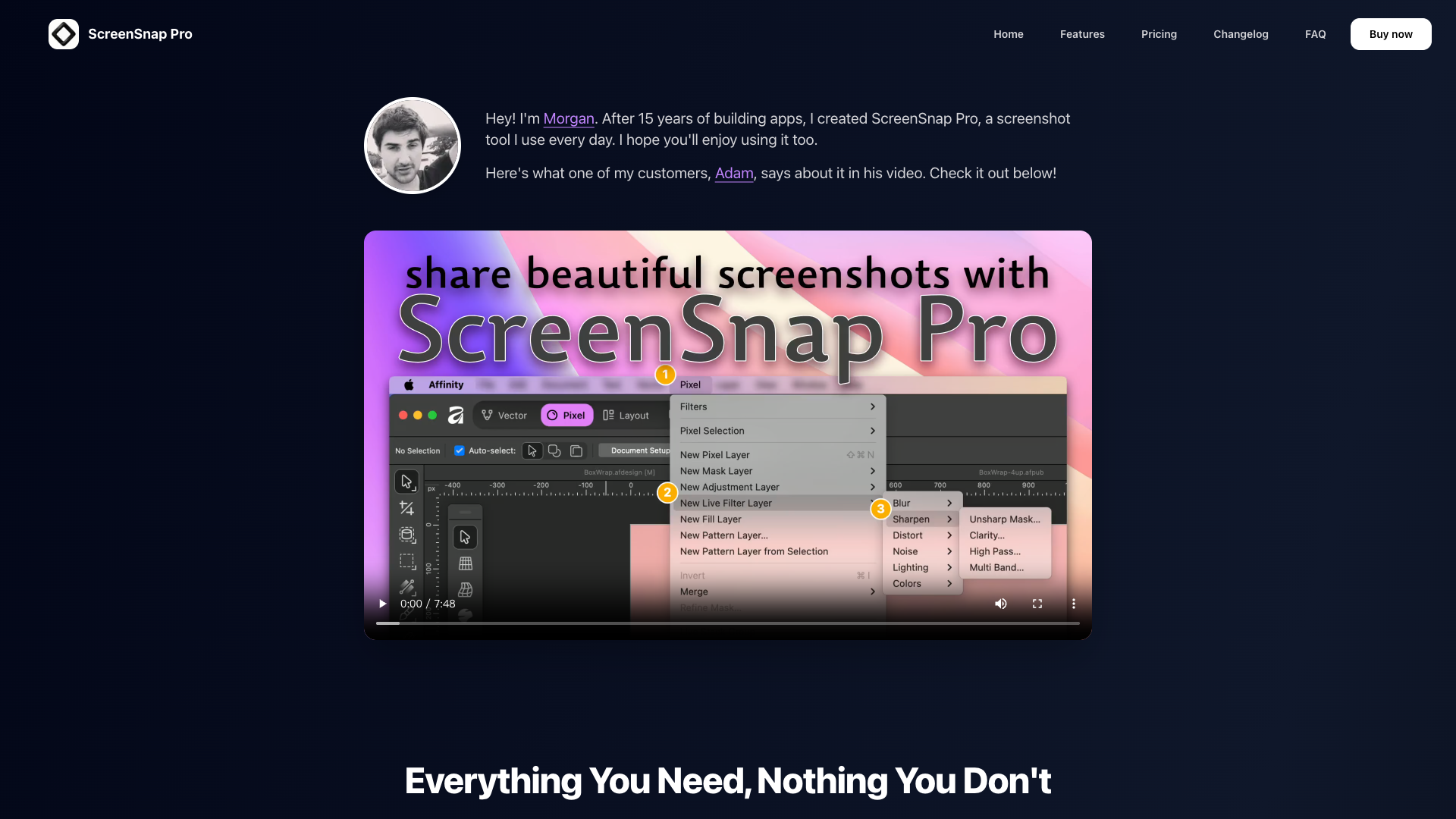
Welcome to ScreenSnap Pro, the ultimate screenshot application designed specifically for Mac users. Whether you''re a developer, designer, or content creator, ScreenSnap Pro enables you to create stunning screenshots effortlessly. With beautiful backgrounds and instant cloud upload capabilities, it simplifies the process of capturing and sharing your work. With 15 years of app development experience, I, Morgan, have crafted this tool for my daily use and I''m excited for you to try it as well!
ScreenSnap Pro Features
Intuitive Screenshot Capture
Capture your screen quickly with just a click. The streamlined interface ensures that you can get the screenshots you need without any unnecessary clicks or hassle.
Beautiful Backgrounds
Transform your screenshots with 22+ gorgeous gradient backgrounds. These stunning backdrops add a professional touch to your images in just one click.
Fast Cloud Upload
Share your screenshots instantly with secure, signed cloud links. No attachments are necessary; simply copy and paste the link to share with colleagues or friends.
Advanced Annotation Tools
Utilize 11 professional annotation tools such as arrows, shapes, and text to highlight critical areas in your screenshots. Make your point crystal clear in seconds.
GIF Recording
Easily create high-quality GIFs from your screen recordings. This feature allows you to demonstrate products or share information effectively, without having to say a word.
Quick Access Overlay
Your screenshots appear instantly in a convenient overlay, allowing for quick viewing, editing, and sharing all without interrupting your workflow.
Pin Screenshot Feature
Keep your screenshots always visible while you work—ideal for tutorials and reference material.
Secure & Private
Enjoy peace of mind with our secure screenshot sharing options. Only those you choose can access your shared links.
User-Centric Design
Designed with creators in mind, ScreenSnap Pro provides everything you need without unnecessary bloat or subscriptions. Pay once and own forever, with lifetime updates included.
ScreenSnap Pro Frequently Asked Questions
How do I start using ScreenSnap Pro?
Simply download and install the app on your Mac. Once installed, you can start capturing and enhancing your screenshots immediately.
Is there a subscription fee?
No, ScreenSnap Pro is a one-time purchase, and you will receive lifetime updates at no additional cost.
Do I need to use the cloud upload feature?
Not at all! The cloud upload option is completely optional. You can use the app without it and still enjoy all its functionality.
Can I create GIFs with ScreenSnap Pro?
Yes! The app includes a smooth GIF recording feature, perfect for creating shareable demonstrations and tutorials.
What platforms does ScreenSnap Pro support?
ScreenSnap Pro is designed for macOS 11.0+ and fully supports Apple Silicon.
If you have more questions, feel free to reach out at support@screensnap.pro. We would love to assist you!
Discover the power and efficiency of ScreenSnap Pro today. With its extensive features and user-friendly design, it’s the perfect tool to enhance your productivity and create eye-catching visuals effortlessly.