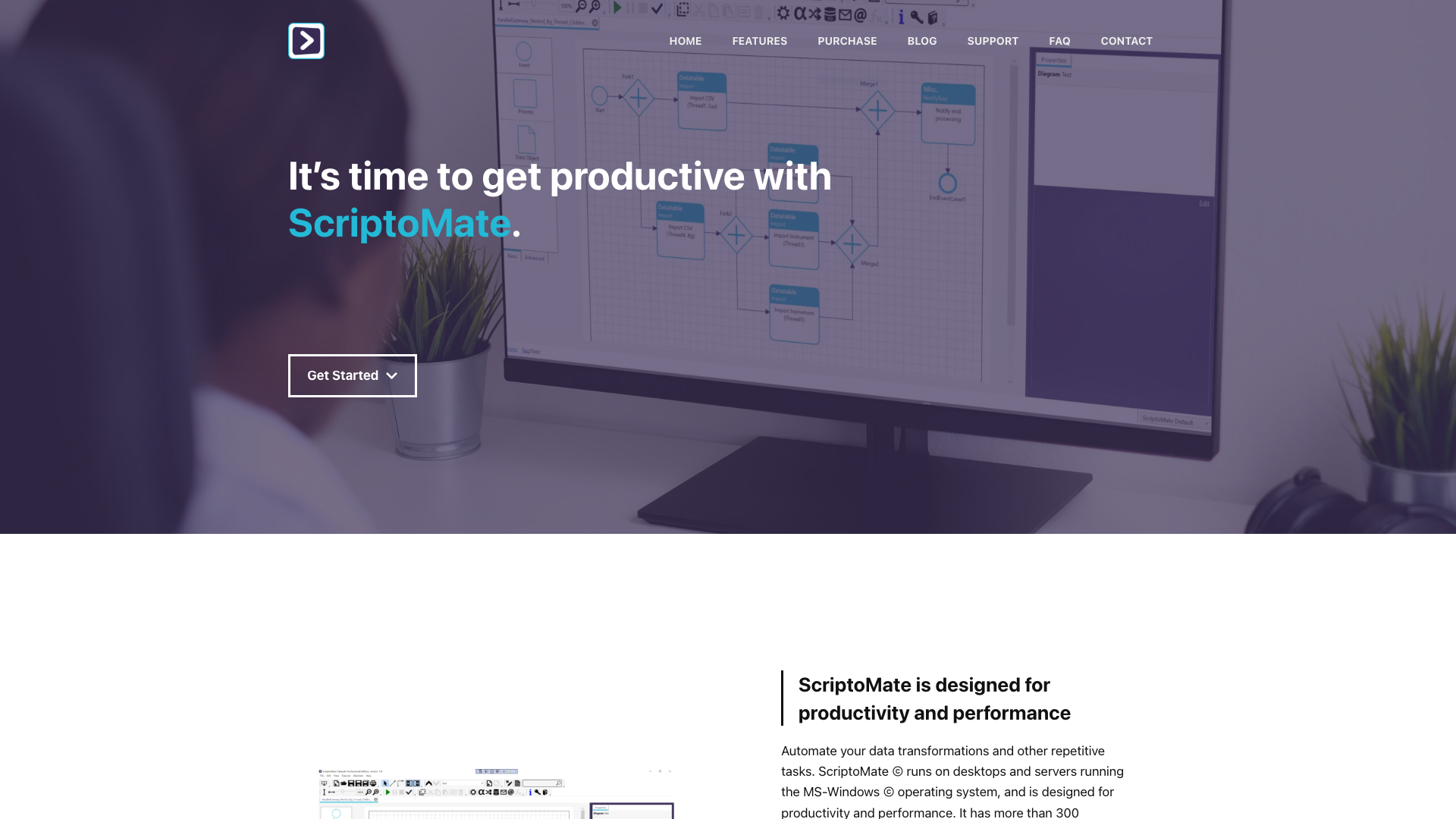
Get Productive with ScriptoMate Introduction
Welcome to ScriptoMate, a powerful tool designed to enhance your productivity by automating data transformations and other repetitive tasks. Whether you are an end user or a citizen developer, ScriptoMate is tailored for you—requiring no programming skills. With our intuitive Visual Designer, you can compose and execute your scenarios in just minutes, allowing you to focus more on what really matters.
Get Productive with ScriptoMate Features
Functional Rich
ScriptoMate is loaded with functionality, offering over 300 predefined actions and more than 240 predefined functions. It supports all common file formats such as CSV, Excel, and JSON, along with various databases including SQLite and SQL Server. This comprehensive feature set ensures that you have everything you need at your fingertips.
Short Time to Market
One of the key advantages of ScriptoMate is its ability to provide rapid deployment. With no programming required, you can simply design your specific scenario and run it instantly. Once created, your scenarios can be reused with the same or new data, enhancing your efficiency and productivity.
Clear & Simple Design
Inspired by BPMN 2.0 (Business Process Model and Notation), ScriptoMate offers a clear and consistent way to describe your scenarios. Utilize parent-child and linked diagrams to enhance structure, maintainability, and clarity while annotating diagrams, objects, and connections for better understanding.
Fast Execution
ScriptoMate is designed for speed and efficiency. By default, it processes everything in memory, significantly improving performance. Our advanced expression evaluator allows for heavy tasks to be executed in the background and in parallel, ensuring swift operation even under demanding conditions.
Get Productive with ScriptoMate Frequently Asked Questions
1. Do I need programming skills to use ScriptoMate?
No, ScriptoMate is designed to be user-friendly and does not require programming skills.
2. What file formats does ScriptoMate support?
ScriptoMate supports a variety of formats, including CSV, Excel, XML, JSON, and HTML.
3. Can I use ScriptoMate on any operating system?
ScriptoMate runs on desktops and servers operating with the Microsoft Windows system.
4. How can ScriptoMate improve my productivity?
By automating repetitive tasks and simplifying data transformations, ScriptoMate allows you to focus on more strategic initiatives and reduces the time you spend on manual processes.
5. Is it possible to reuse scenarios I create in ScriptoMate?
Absolutely! Once you''ve designed a scenario, you can rerun the same logic with different datasets without having to recreate it.
Start getting productive with ScriptoMate today and experience the difference it can make in your workflow!