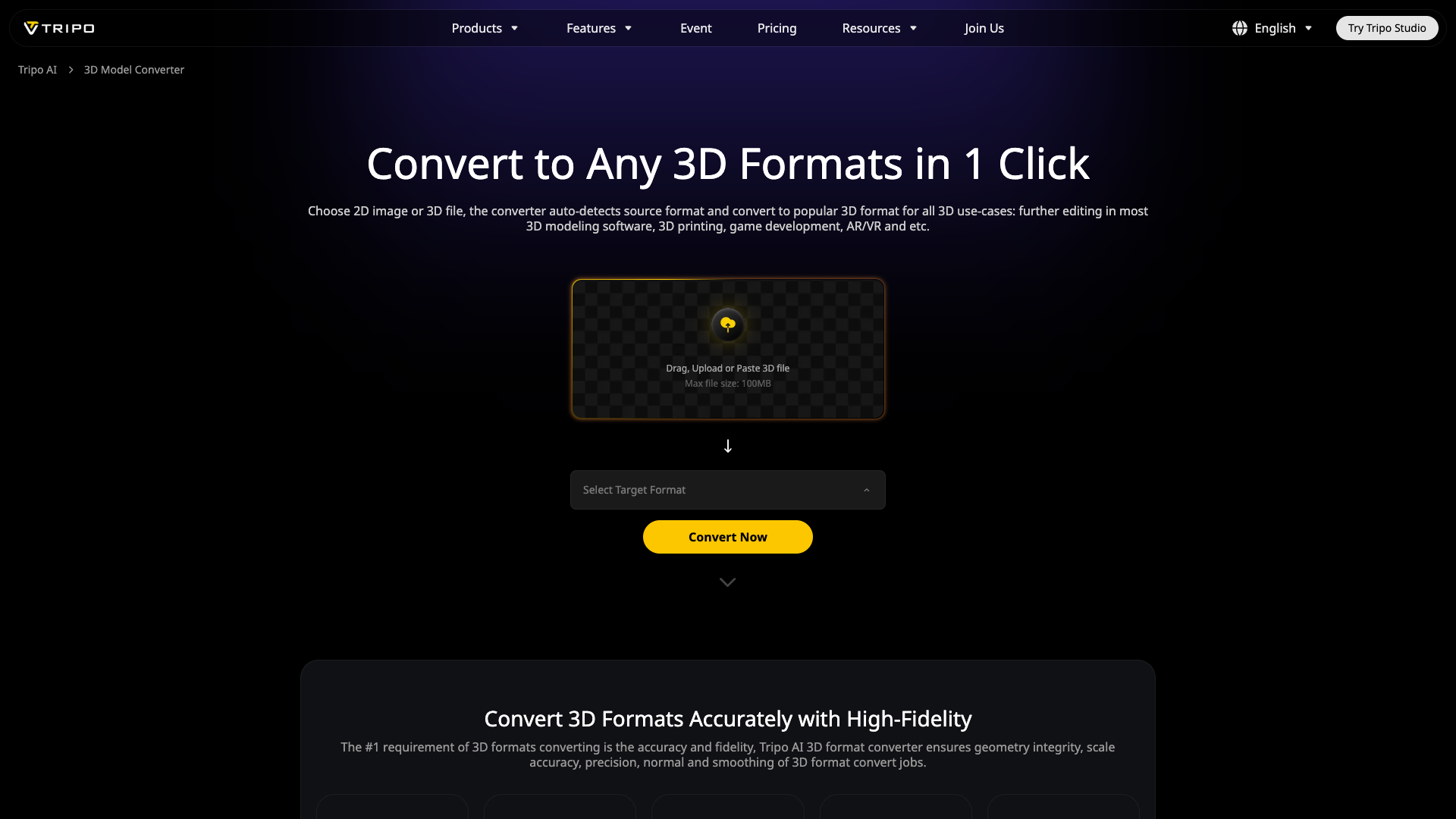
Free 3D Converter: Convert 2D / 3D Model File to Any 3D Format | Tripo AI Introduction
Welcome to Tripo AI''s Free 3D Converter, your ultimate solution for effortlessly converting any 2D image or 3D model into a new 3D file format. Our cutting-edge tool ensures that your design integrates seamlessly for various applications while maintaining your privacy. Enjoy fast, accurate conversions with unparalleled fidelity and no installation required.
Free 3D Converter: Convert 2D / 3D Model File to Any 3D Format | Tripo AI Features
Effortless Conversion Process
Our converter allows you to convert your files in just one click. Simply choose your 2D image or 3D file, and the tool automatically detects the source format to convert it to popular 3D formats for all your needs, from 3D printing to game development.
High-Fidelity Accuracy
Accuracy is paramount in 3D conversions. The Tripo AI 3D format converter guarantees geometry integrity, scale accuracy, precision, and smoothing, ensuring that your converted 3D files are production-ready.
Auto Repair and Cleanup
Powered by AI, Tripo AI not only converts your files but also performs automatic repairs and cleanup of your 3D models, fixing common modeling issues while preserving essential details.
Rich Data Support
Our converter supports a wide range of rich data types across major 3D formats, including textures, UV maps, materials, and animation data, ensuring that all your 3D information is retained during the conversion process.
Comprehensive Format Compatibility
Tripo AI supports numerous popular 3D formats such as 3MF, STL, OBJ, FBX, USDZ, PLY, and GLB/GLTF, making it suitable for various industries, including 3D printing, game development, and education.
Cross-Platform Integration
Once your conversion is complete, the newly created 3D file is ready for integration with popular 3D modeling software, printing slicers, and cloud platforms.
Privacy and Security
We value your privacy. All conversions are performed locally on your device, meaning your designs and data are never uploaded or transferred online.
Free 3D Converter: Convert 2D / 3D Model File to Any 3D Format | Tripo AI Frequently Asked Questions
What file formats does the 3D converter support?
Tripo AI supports an extensive list of mainstream 3D formats, including WEBP, PNG, JPG, 3MF, STL, OBJ, FBX, USDZ, GLB/GLTF, catering to a variety of real-world use cases.
Is my design and data safe during 3D format converting?
Yes, your security is our priority. All conversions occur securely on your local device, ensuring that no data is uploaded or transferred elsewhere.
Can I convert 3D formats on mobile devices?
Absolutely! Tripo AI''s 3D format converter is lightweight and functions seamlessly across devices and operating systems without any required installation.
Is the tool free to convert 3D models and objects in different formats?
Yes, Tripo AI offers its 3D converter for free to users worldwide, and no login is required to access the service.
What is the best format for 3D printing?
STL (.stl) is widely recognized as the standard for 3D printing. For color 3D printing, we recommend the 3MF (.3mf) format.
How can I create 3D models?
Starting in 2025, you can easily create 3D models using AI tools that transform text or 2D images into accurate 3D designs.
How to convert between 3D formats?
Use our reliable and fast Tripo AI 3D format converter to switch between formats seamlessly, ensuring that your files are transformed instantly and accurately, including auto-repair features included.
Explore Tripo AI''s Free 3D Converter today and experience the future of 3D file conversion!